


Company Profile
Relying on the advantages of independent production and processing, as well as the accumulated years of experience in the field of industrial control touch control equipment exploration,we have established a complete industrial control computer,industrial grade panel PC, fanless industrial control machine and other professional product lines, and have a number of product patents and software Copyrights.
In the future development, Kongxian technology will continue to adhere to the professional technology research and development ability and solution ability,to provide customers in various fields with better quality industrial control products, to help the development and take-off of customers.
Why choose us?
Professional team
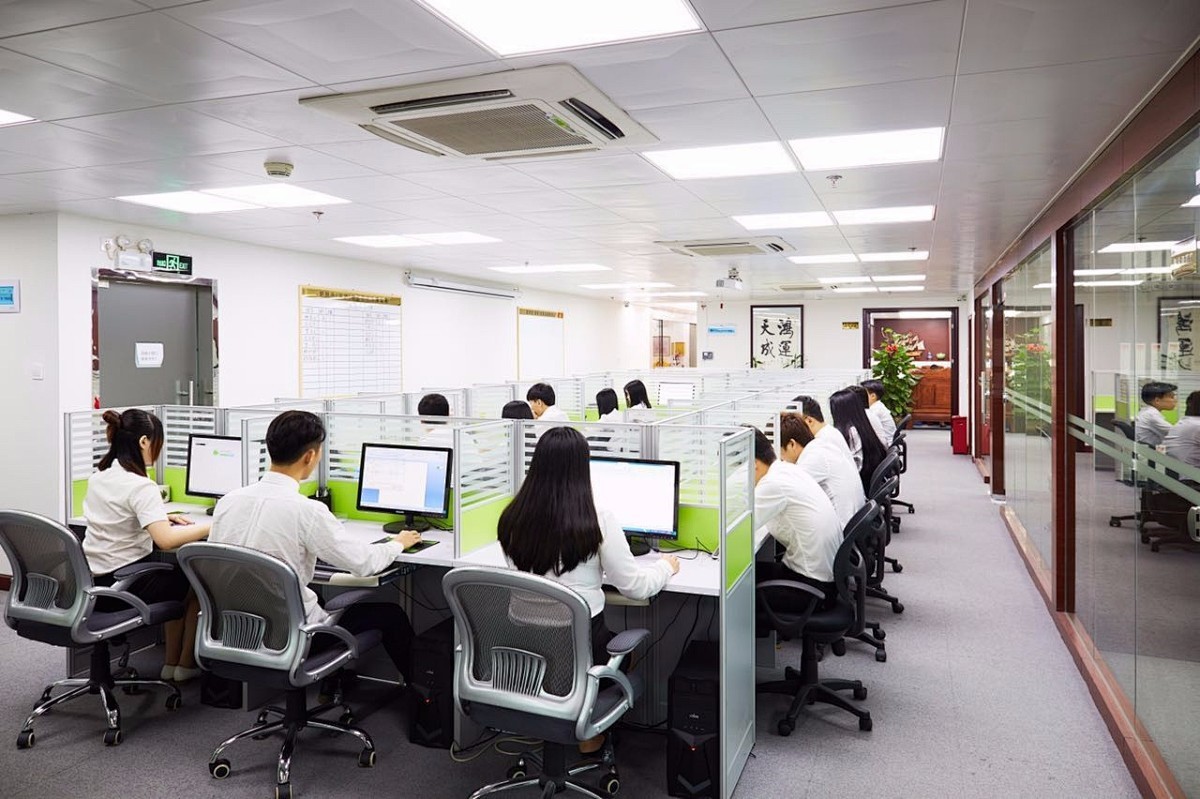
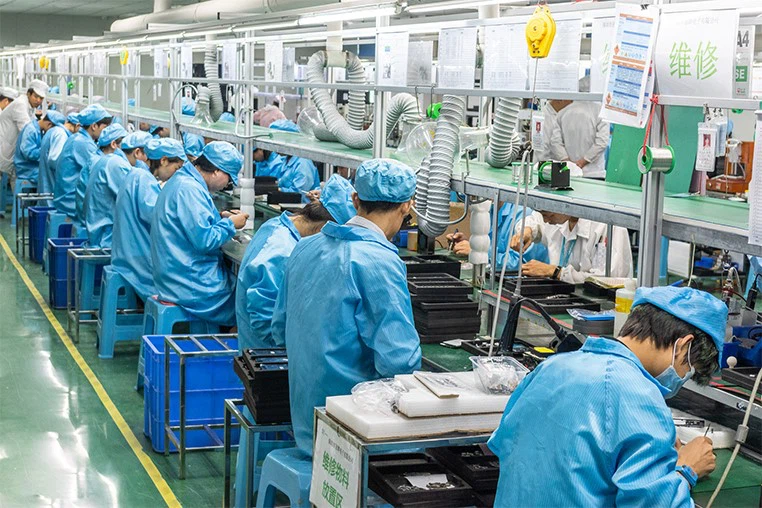
The company has more than 300 employees, professional and technical team more than 50 people, and has intelligent flow workshop, advanced testing instruments and other equipment.
Rich experience
Relying on the advantages of independent production and processing, as well as the accumulated years of experience in the field of industrial control touch control equipment exploration,we have established a complete industrial control computer,industrial grade panel PC, fanless industrial control machine and other professional product lines, and have a number of product patents and software Copyrights.
High quality
In the future development, Kongxian technology will continue to adhere to the professional technology research and development ability and solution ability,to provide customers in various fields with better quality industrial control products, to help the development and take-off of customers.
Product application
Our products are widely used in industries such as industrial automation, commercial intelligent terminals, CNC machine tools, instrumentation, rail transit, power, and security etc.
Related Product
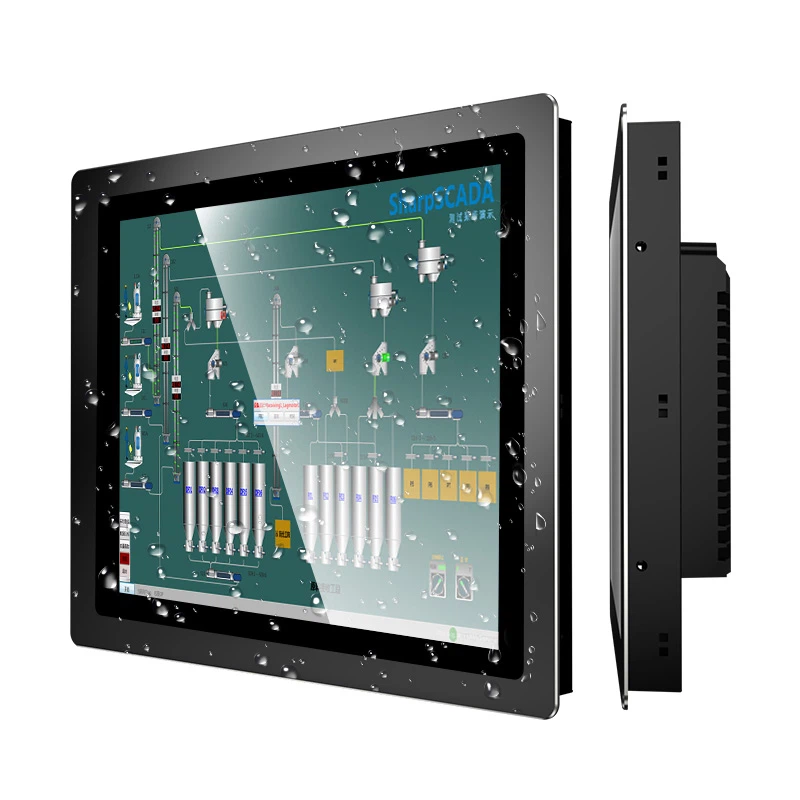
Industrial Touch Screen Monitor
15-inch industrial touch screen display, featuring a 3mm front panel suitable for embedded installation. It offers a choice between capacitive and resistive touch technology, ensuring highly sensitive touch response. Comes with default HDMI/VGA/DVI interfaces.
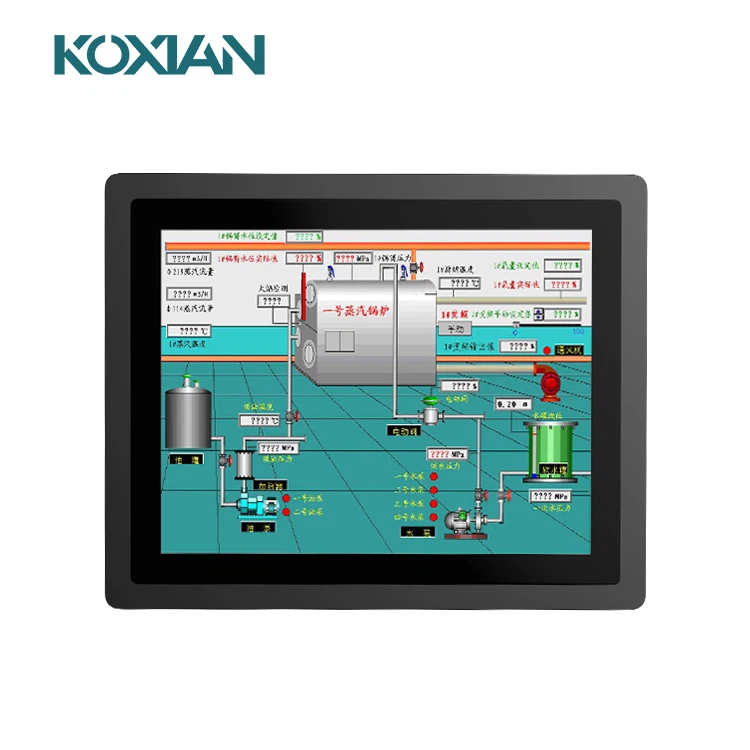
Industrial Capacitive Touch Screen Monitor
This 15-inch industrial touchscreen display boasts a 3mm slim front panel, perfectly suited for seamless embedded installation. It provides versatility by offering a selection between capacitive and resistive touch technologies, ensuring a superbly responsive and highly sensitive touch experience.
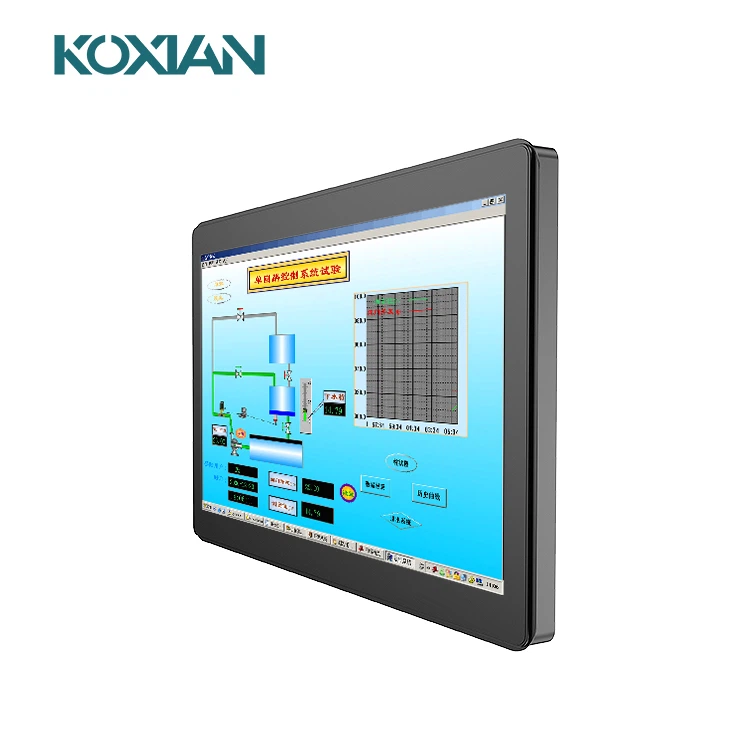
This 15.6-inch industrial touch display is suitable for internal embedded panel installation, featuring IP65 dustproof and waterproof capabilities, clear image quality, support for upgraded high brightness, and a variety of display output interfaces.
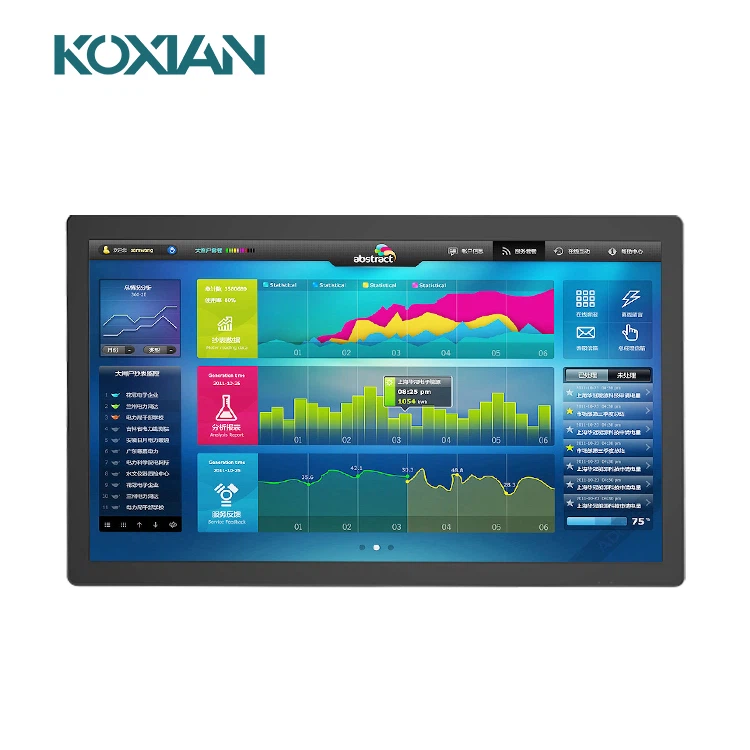
Industrial Wall Mounted Monitor
21.5-inch Industrial Touch Display featuring IP65 dust- and water-proof rating, pure flat design, responsive touch sensitivity, equipped with HDMI/VGA/DVI interfaces, and an industrial-grade driver board for stable operation.
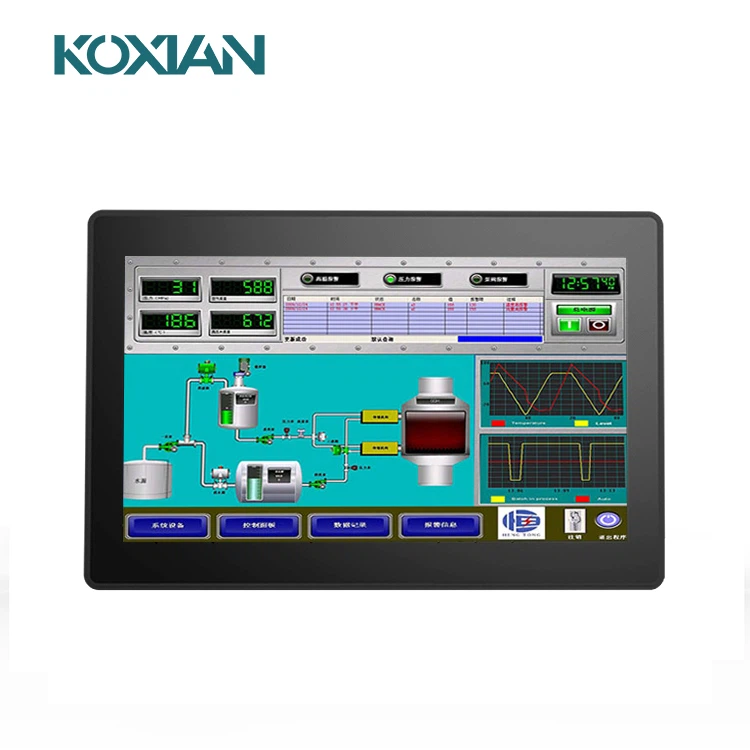
Industrial Resistive Touch Screen Monitor
Our 13.3-inch industrial monitor is equipped with an industrial-grade display driver board, ensuring long-term standby and stable operation. The screen boasts crisp image quality with a high resolution of 1920x1080.
What is Industrial Resistive Touch Screen Monitor
A resistive touchscreen is a type of touch-sensitive display that works by detecting pressure applied to the screen. It is composed of two flexible sheets coated with a resistive material and separated by an air gap or microdots.
Benefits of Industrial Resistive Touch Screen Monitor
Resistive touch screen technology tends to be more cost-effective compared with some other touch screen technologies, making it an attractive option for budget-conscious applications. Some applications where resistive touch screens are used are ATM machines, vending machines and home appliances.
The design simplicity and versatility of resistive touch screens make them easy to integrate into a design. Resistive touch screens are compatible with a variety of operating systems, including Windows, Linux, Android and others. They typically use standard interfaces, such as USB or serial connections. Most resistive touch screens come with drivers that are readily available and supported by major operating systems. These factors make integration easy, fast and efficient.
Resistive touch screens are pressure-sensitive, allowing them to register varying levels of pressure applied to the screen by virtually any point of contact. This feature is especially useful in applications where the user might be wearing gloves that would hinder pushing a mechanical button.
Resistive touch screens offer a degree of resistance to dust, moisture and humidity, but their level of protection can vary based on the specific design and construction of the touch screen. Since resistive touch screens have a continuous top layer, any moisture or contaminants need to enter on the edge or around the screen. A bezel that overlaps the edge of the screen with a gasket using quality adhesives or sealant will ensure a good seal. This is especially important in dusty, wet or dirty environments.
Types of Industrial Resistive Touch Screen Monitor
4-wire resistive touchscreen
The least expensive of all of the touchscreen options, 4-wire touchscreens are typically found in games, toys, and other inexpensive touchscreen applications. Since the accuracy is based on the top panel interacting with the bottom panel, any damage to the top panel will cause the accuracy to degrade. This generally makes them less reliable after heavy usage or many actuations. 4-wire touchscreens require frequent calibration to ensure that they register the correct input.
8-wire resistive touchscreen
Similar to 4-wire in durability and usage, the only difference with an 8-wire screen is additional wiring. This additional wiring keeps the screen more precisely calibrated and allows it to auto-calibrate, meaning that it requires less maintenance to maintain accuracy than its 4-wire counterpart.
5-wire resistive touchscreen
5-wire touchscreens are significantly different from the 4-wire and 8-wire variations. 5-wire screens measure input from the bottom panel only, not in tandem with the top panel. This means that regardless of any damage to the top layer, the usage of the touchscreen and accuracy of input won't degrade. This makes them more durable and they generally last through many more actuations than other resistive options.
5-wire resistive touchscreen
5-wire touchscreens are significantly different from the 4-wire and 8-wire variations. 5-wire screens measure input from the bottom panel only, not in tandem with the top panel. This means that regardless of any damage to the top layer, the usage of the touchscreen and accuracy of input won't degrade. This makes them more durable and they generally last through many more actuations than other resistive options.
Things You Didn't Know About Resistive Touchscreen Technology
Capacitive touch-sensing technology is not used in all touchscreen devices. In recent years, capacitive touch-sensing technology has overtaken resistive touch-sensing technology as the dominant touch-sensing technology for tablet computers, cellphones, and other touchscreen devices. It's quick, efficient, simple to use, and very adaptable. On the other hand, some touch screen gadgets employ resistive technology to recognize touch instructions. This piece will look at five facts regarding resistive touchscreen technology and how it works that you probably didn't know.
It supports a stylus
Using a stylus is a significant benefit of resistive touchscreen technology. With a resistive touchscreen device, you may use your naked finger, a gloved finger, or a pen.
Fewer erroneous commands
When utilizing a resistive touchscreen device, you will encounter fewer erroneous instructions. Capacitive touchscreen devices are very responsive, thanks to their ability to recognize touch inputs. Even a mild touch will register as a touch command. Resistive touchscreen systems are less responsive because they recognize touch instructions depending on pressure. This is beneficial since resistive touchscreen devices will record fewer incorrect instructions.
Increased precision
You may be shocked to hear that resistive touchscreen devices provide more accuracy than capacitive. This is because resistive touchscreen devices need a stylus. You may also use a stylus to touch certain portions of the UI swiftly. You will sense a greater size if you use your finger to operate a capacitive gadget. You can touch a smaller and more specific region using a pen to operate a resistive device.
It uses multiple layers
Although there are several methods to construct a resistive touchscreen device, most have three or more layers. The most typical configuration has an upper and lower layer of flexible material separated by central air or inert gas layer. When you push your finger or pen against the interface, the top and lower layers make contact, enabling the device to recognize your point of contact.
How Industrial Resistive Touch Screen Monitor Works
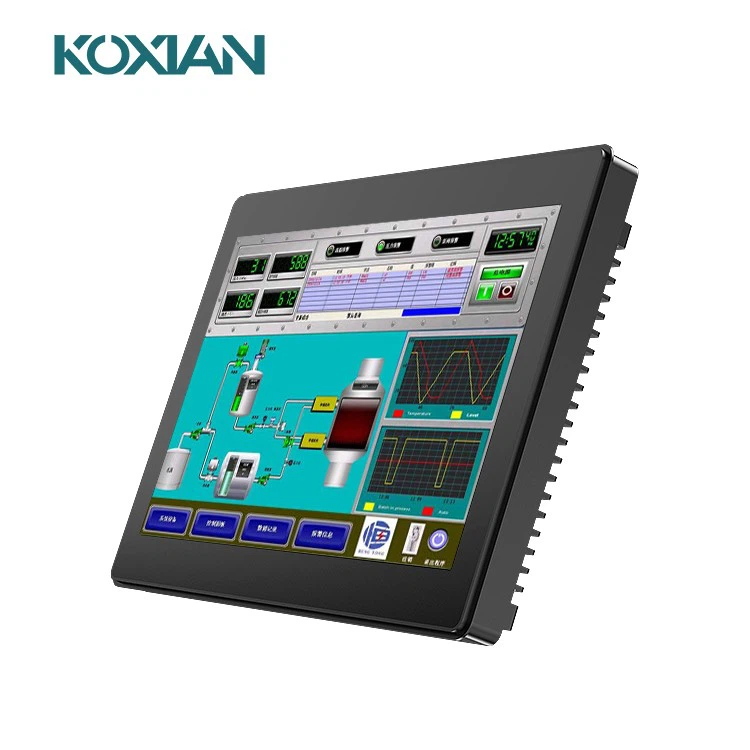
The operation and control of the screen content is mainly realized through the principle of pressure sensing. The screen body of this touch screen is a multi-layer composite film that is very compatible with the display surface. The first layer is the bottom layer of glass or plexiglass, and the second layer is The third layer is a multi-component resin surface layer, which is also coated with a transparent conductive layer, and covered with a layer of hardened, smooth and scratch-resistant plastic layer on the outer surface.
The conductive layer and the glass layer sensor on the surface of the multi-layer resin are separated by many tiny interlayers. The current passes through the surface layer. When the surface layer is lightly pressed down, it touches the bottom layer, and the controller reads the corresponding current from the four corners at the same time. Calculate the distance of the finger position. This touch screen uses two highly transparent conductive layers to form a touch screen, and the distance between the two layers is only 2.5 microns.
When a finger touches the screen, the two layers of conductive layers that are usually insulated from each other have a contact at the touch point. Because one of the conductive layers is connected to the 5V uniform voltage field in the Y-axis direction, the voltage of the detection layer changes from zero to If it is not zero, after the controller detects that it is connected, it performs A/D conversion and compares the obtained voltage value with 5V to obtain the Y-axis coordinate of the touch point, and similarly obtain the X-axis coordinate. It is the most basic principle common to all resistive technology touch screens.
Top layer
Resistive touchscreens feature a top layer. The top layer is typically made of glass or plastic, resulting in transparency. The underside of the top layer is designed with patterned electrodes. There aren't any electrodes on the top surface of this layer. Rather, they are only added to the underside of the top layer.
Bottom layer
In addition to a top layer, resistive touchscreens feature a bottom layer. The bottom layer is typically made of the same material as the top layer. Rather than featuring patterned electrodes on the underside, though, the bottom layer features patterned electrodes on the top of its surface. As a result, the electrodes on the bottom layer face the electrodes on the top layer.
Controller
Resistive touchscreens feature a controller as well. The controller is responsible for converting analog touch signals into digital touch signals. Resistive touchscreens work by applying a voltage to either the top or bottom layer.
Performing a touch command will result in the two layers touching each other, in which case the voltage will travel from one layer to the other layer. The controller is designed to recognize touch commands while also converting to digital touch signals.
The top and bottom layers of a resistive touchscreen are separated by a thin layer of air. Voltage will only travel through both layers when you perform a touch command. Touch commands will force the two layers to touch each other. The controller will detect and convert analog touch signals such as this into digital touch signals.
Display
Another common part of a resistive touchscreen is a display. Like most touchscreens, resistive touchscreens are constructed with an integrated display. Liquid-crystal displays (LCDs) are commonly used in resistive, as well as other, touchscreens. The LCD will produce images while simultaneously allowing for touch-based commands.
How to Maintain Industrial Resistive Touch Screen Monitor
Maintaining a resistive touchscreen monitor is crucial for the longevity and optimal performance of touchscreen devices. It is essential to follow best practices when cleaning and troubleshooting issues with the touchscreen computer, as improper techniques can cause permanent damage or malfunction. Here are some tips for maintaining a resistive touchscreen monitor.
First, it is important to use the appropriate materials when cleaning a resistive touchscreen device monitor. Avoid using harsh chemicals such as ammonia-based cleaners on your touch panel or touch screen device, as they can cause irreversible damage to the sensitive components within the glass display. Instead, opt for soft cloths dampened with distilled water or mild soap solutions specifically designed for electronic devices. Additionally, avoid using abrasives on your computer's touchscreen's surface; even paper towels may be too rough and could scratch delicate parts of the device's interior circuitry. It is also worth noting that gloves can be used to protect the glass surface while cleaning the touchscreen.
When troubleshooting any issues that arise with your resistive touchscreen device, including the monitor and keyboard, it is critical to identify whether they are hardware related or software related before attempting any repairs yourself. If you suspect that there may be a physical issue with your touchscreen device causing problems – such as dust buildup inside the keyboard – consult an experienced technician who specializes in electronics repair instead of attempting DIY fixes that could potentially worsen existing problems or create new ones entirely. Similarly, if you believe there may be an issue caused by outdated drivers, or other software errors on your computer system itself rather than within the touchscreen unit itself then contact customer support from either manufacturer first before taking further action yourself. Additionally, make sure to use the appropriate cleaning solution when cleaning your keyboard or touchscreen device to avoid damaging it.
Finally, always remember that preventative maintenance should also form part of the regular upkeep routine for all electronic devices, including computers equipped with assistive technology like touchscreen monitors. This means regularly checking cables and power supplies connected to ensure no loose connections exist, which might lead to future malfunctions down the line. Additionally, occasional wiping down the exterior surfaces of the touch glass, including the frame, using the same gentle solutions previously mentioned above, will help keep away dirt and dust accumulation over time and maintain a pristine condition. Doing these simple steps will help extend the lifespan significantly while minimizing potential incidents due to unexpected breakdowns resulting from a lack of proper care and attention given towards them each day.
Certifications

Our Factory
Focusing on industrial touch products and integrating R&D, manufacturing and sales.In the future development, Kongxian technology will continue to adhere to the professional technology research and development ability and solution ability,to provide customers in various fields with better quality industrial control products, to help the development and take-off of customers.


FAQ
Hot Tags: industrial resistive touch screen monitor, China industrial resistive touch screen monitor manufacturers, suppliers, factory, industrial machinery industry monitor, industrial image monitoring device, industrial touch monitor for elevator control systems, industrial fingerprint scanner monitor, industrial touch monitor with sunlight readable, Space Saving Industrial Monitor


