


Company Profile
Relying on the advantages of independent production and processing, as well as the accumulated years of experience in the field of industrial control touch control equipment exploration,we have established a complete industrial control computer,industrial grade panel PC, fanless industrial control machine and other professional product lines, and have a number of product patents and software Copyrights.
In the future development, Kongxian technology will continue to adhere to the professional technology research and development ability and solution ability,to provide customers in various fields with better quality industrial control products, to help the development and take-off of customers.
Why choose us?
Professional team
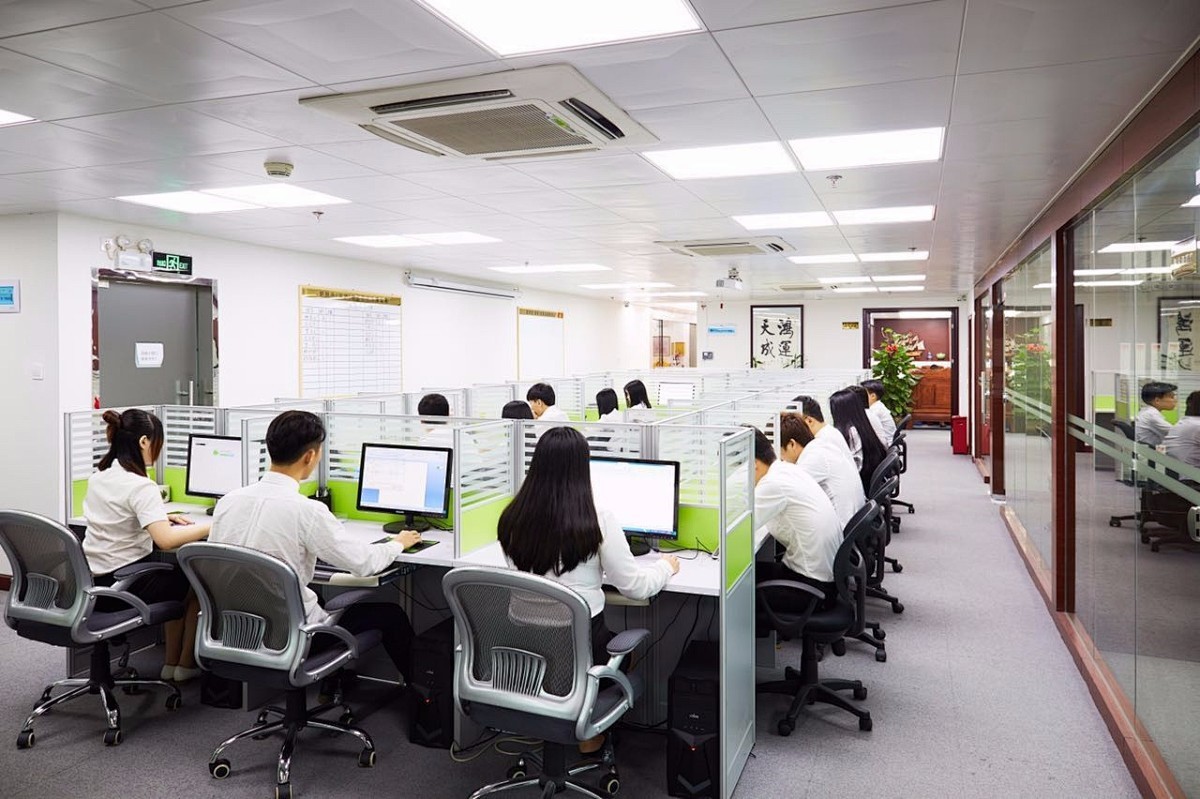
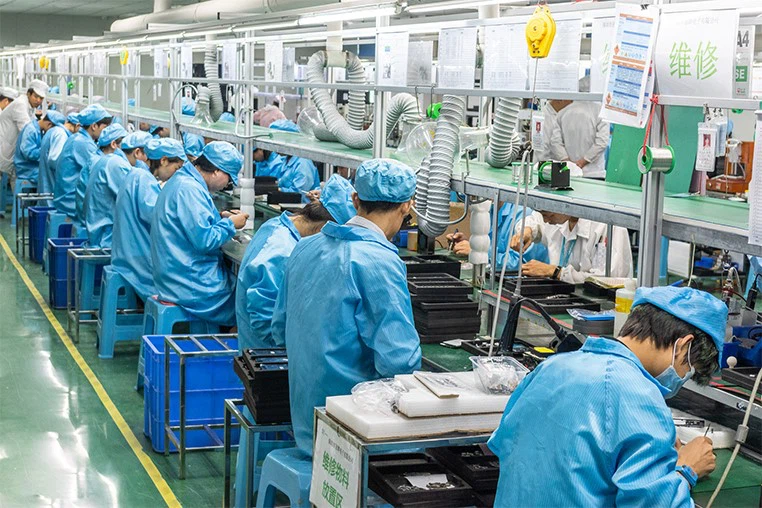
The company has more than 300 employees, professional and technical team more than 50 people, and has intelligent flow workshop, advanced testing instruments and other equipment.
Rich experience
Relying on the advantages of independent production and processing, as well as the accumulated years of experience in the field of industrial control touch control equipment exploration,we have established a complete industrial control computer,industrial grade panel PC, fanless industrial control machine and other professional product lines, and have a number of product patents and software Copyrights.
High quality
In the future development, Kongxian technology will continue to adhere to the professional technology research and development ability and solution ability,to provide customers in various fields with better quality industrial control products, to help the development and take-off of customers.
Product application
Our products are widely used in industries such as industrial automation, commercial intelligent terminals, CNC machine tools, instrumentation, rail transit, power, and security etc.
Related Product
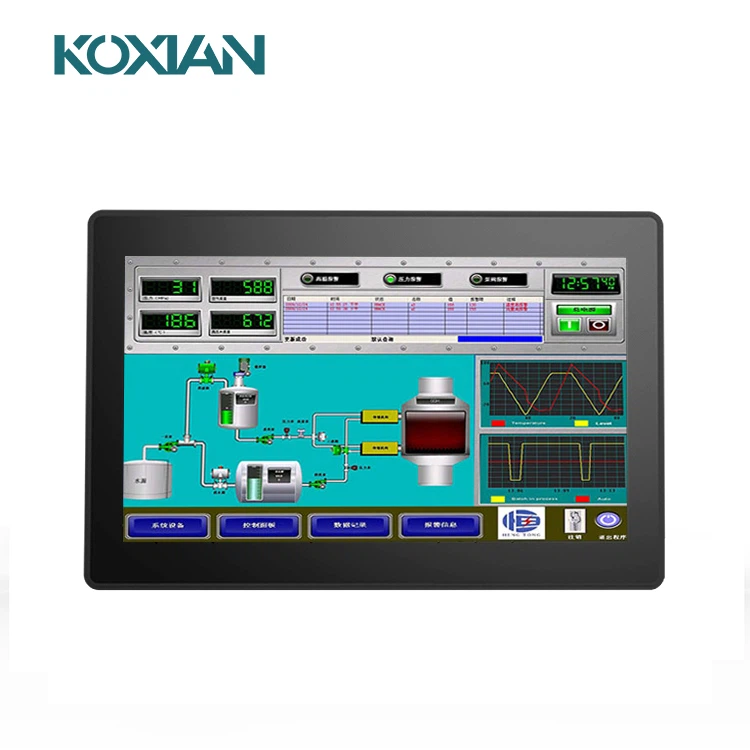
Industrial Resistive Touch Screen Monitor
Our 13.3-inch industrial monitor is equipped with an industrial-grade display driver board, ensuring long-term standby and stable operation. The screen boasts crisp image quality with a high resolution of 1920x1080.
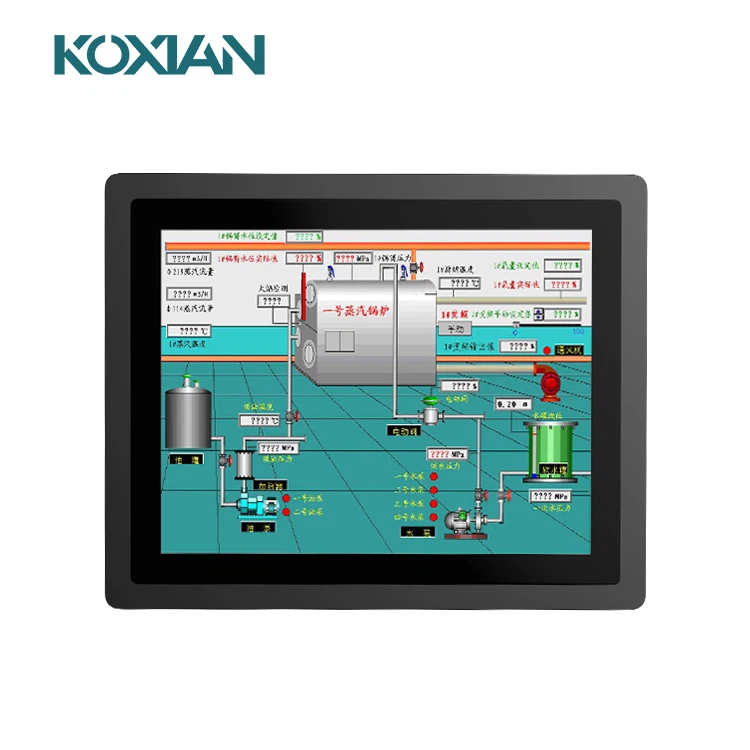
Industrial Capacitive Touch Screen Monitor
This 15-inch industrial touchscreen display boasts a 3mm slim front panel, perfectly suited for seamless embedded installation. It provides versatility by offering a selection between capacitive and resistive touch technologies, ensuring a superbly responsive and highly sensitive touch experience.
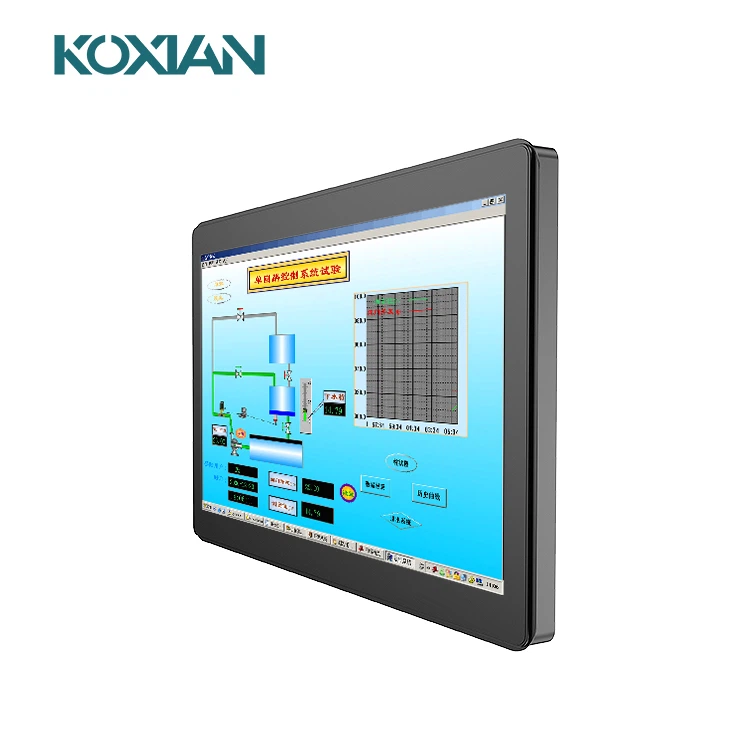
This 15.6-inch industrial touch display is suitable for internal embedded panel installation, featuring IP65 dustproof and waterproof capabilities, clear image quality, support for upgraded high brightness, and a variety of display output interfaces.
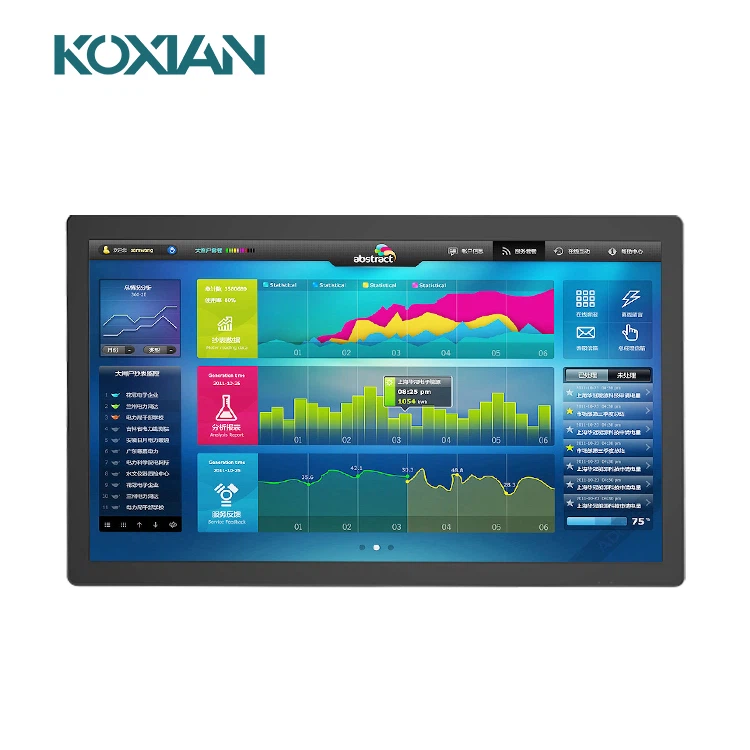
Industrial Wall Mounted Monitor
21.5-inch Industrial Touch Display featuring IP65 dust- and water-proof rating, pure flat design, responsive touch sensitivity, equipped with HDMI/VGA/DVI interfaces, and an industrial-grade driver board for stable operation.
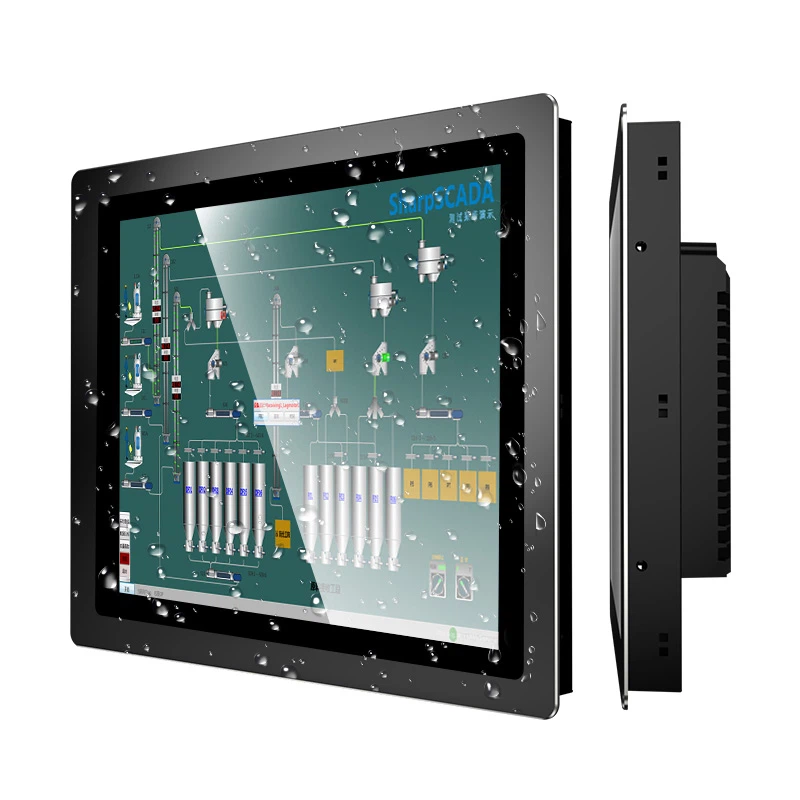
Industrial Touch Screen Monitor
15-inch industrial touch screen display, featuring a 3mm front panel suitable for embedded installation. It offers a choice between capacitive and resistive touch technology, ensuring highly sensitive touch response. Comes with default HDMI/VGA/DVI interfaces.
What is Industrial Touch Screen Monitor
Industrial touch screen display monitors are computer displays that are sensitive to pressure. It is both an input and output device. The user interacts with it by touching the contents on the screen. A user can control the processing of information through a simple or multi-touch gesture by the touching the screen with fingers or a special stylus. Some touchscreen monitors use a special pen or stylus to perform tasks on its screen. The user, therefore, can use the screen to react to what is displayed and if the software allows controlling how it is displayed like to zoom to increase the text size.
Advantages of Industrial Touch Screen Monitor
Easy to use, engaging & interactive
One of the biggest differences between an industrial touch screen and a standard display monitor is that an industrial touch screen acts as an input and an output device all on its own.
Using 10-point touch technology, users are able to control the screen with fingertip gestures like pinch, pan and zoom to easily interact with content directly on the screen. This removes the need for a separate monitor, keyboard and mouse, just for a user to be able to navigate the device. The all-in-one touch screen solution is not only more convenient to use, it's also visually appealing which attracts users and sparks a sense of excitement.
In some cases, like a workplace, interactive technology speeds up processes saving time, which is a direct cost-saving to the business. And in other situations, like customer-facing scenarios, interactive technology can keep a user more engaged to really connect with your brand and products.
Space-saving, secure & easy to install
Removing the need for separate monitors, keyboards and mouses, touch screens naturally save space, and offer a tidy solution as there are no messy cords to try and organise.
Floor standing touch screen kiosk designs are compact and offer flexibility to be placed where there is room available, plus they are portable and can be easily moved if your floor plan changes. Our kiosks, designed right here in Australia by our very own experienced team, offer tamper-resistant features with no exposed screws or rivets and have key-lockable access doors and secure PC access panels.
Desktop or wall-mounted touch screens can be safely secured at a convenient eye-catching level. These options do not require any floor space, but can be a little harder to move if your floor plan changes.
All of these three options are very easy to install.
Robust and durable
Industrial grade touch screens are designed for constant use 24 hours a day 7 days a week. This means the technology behind the screen is designed for a single image to remain on the screen for long periods of time and not have an effect on the screen's ability to produce a crystal clear sharp image. Often standard grade touch screens do not use this technology and can 'burn out' quickly or 'over-heat' compromising the quality of the image on the screen.
Industrial grade screens are also resistant to liquids and surface contaminants which can be harmful to the components inside.
Easy to clean and maintain
Unlike a standard display with lots of components, like a separate screen, keyboard and mouse, an industrial touch screen is easy to clean with alcohol/isopropyl products. The flat bezel-free edge-to-edge glass screen has a smooth surface that can quickly be wiped over. There are no nooks and crannies that collect dust, grime and dirt that can be hard to clean. Given today's COVID environment, this is a really important factor.
Types of Industrial Touch Screen Monitor
Resistive touchscreens
These include a glass plate and this is covered with Conductive and resistive alloy layers. The 2 layers are slightly apart so that the electric current can run through the distance when the screen is switched on. In case you touch the display, the layers make contact in the touched spot and cause interference in the electrical field. That is likely to produce the display to function and compute. Learn more about industrial touch screen on this site.
Capacitive touchscreens
These tracks are different from resistive since it's a Layer that stores an electric charge. It's placed on the glass panel of the screen. If you touch this sort of screen, a number of these electric costs are transferred to you creating the total charge of the coating to decrease. This kind of monitor permits more light compared to the resistive kind. Additionally, this form is more resistant to contaminants than the resistive kind.
Infrared touchscreens
These touchscreens operate in two different methods. With the Initial procedure, it has to discover the warmth of your touch to make it operate. If you are going to use this type, you need to get it bare hands rather than using a stylus or using gloves. Another system is by using a light beam close to the surface of the screen where infrared is utilized. This is a durable sort of touchscreen screen but this is quite slow in regards to responding to your signature.
Application of Industrial Touch Screen Monitor
Commercial applications
Touch screens are widely used in the commercial field, such as self-service terminals and interactive advertisements in banks, shopping malls, hotels and other places, which improve service efficiency and customer experience. In addition, in the field of education, touch screens are also widely used in teaching and training, improving teaching effectiveness and learning interest.
Health care
In hospital waiting rooms, wards and other places, patients can use touch screens to query doctor information, make appointments and other operations, which improves the convenience of medical treatment. At the same time, in places such as rehabilitation centers, touch screens can also be used to display the content and progress of rehabilitation training.
Public transportation
In subway stations, bus stations, airports and other places, passengers can use touch screens to query vehicle arrival time, fares, flight information, boarding gate locations, etc., which improves the convenience and accuracy of travel.
Entertainment and leisure
In entertainment places such as game halls and KTVs, users can use touch screens to order songs, score and other operations, which increases the fun and interactivity of entertainment. At the same time, in places such as museums, touch screens can also be used to display cultural relics information, exhibition content, etc., enriching the visiting experience.
Industrial control
On the production line of the factory, workers can control and monitor the production equipment through the touch screen, which improves the automation and intelligence level of production. In addition, in industries such as electricity and water conservancy, touch screens can also be used for operations such as monitoring equipment and displaying data.
Components of Industrial Touch Screen Monitor
The touch screen LCD is the primary part of the monitor that displays visual content. It's a liquid crystal display (LCD) panel that uses thin-film transistor (TFT) technology. This technology ensures that the monitor produces high-quality images and videos. TFT technology also provides fast response times and vibrant colors, making it ideal for industrial applications where quick and clear visual feedback is necessary.
The functional motherboard acts as the brain of the monitor. It controls the monitor's operations and enables the touch screen functions. The motherboard contains essential electronic components, including a microprocessor, memory, and input/output interfaces. It processes the touch inputs received from the screen and translates them into commands that the display can execute.
The frame and housing provide structural support and protect the monitor's internal components. Typically made from durable materials like metal or high-quality plastic, the frame ensures the monitor's stability and resistance to external forces. The housing encloses the internal parts, shielding them from dust, moisture, and other environmental hazards. It also includes various ports and connectors for external devices and systems.
How to Maintain Industrial Touch Screen Monitor
Keep the strong magnetic field away from the industrial touch screens
Electromagnetic fields must be avoided when used, as the magnetic field can cause temporary failure of the capacitance screen (serious or even permanent damage). Attention should be paid to magnetic items such as sound, and do not let them close to the touch screen display.
Don't let the industrial touch screens have a serious electrostatic effect
The electrostatic effect is easy to break through the capacitance screen. Although the glass on the surface of the capacitance screen of the touch screen display has been treated with a certain degree of antistatic treatment, it can only withstand static electricity under a certain intensity. Therefore, when selecting the protective film of the touch screen, we must pay attention to the protective film with strong antistatic ability as far as possible.
Keep the strong magnetic field away from the industrial touch screens
Electromagnetic fields must be avoided when used, as the magnetic field can cause temporary failure of the capacitance screen (serious or even permanent damage). Attention should be paid to magnetic items such as sound, and do not let them close to the touch screen display.
Don't let the industrial touch screens have a serious electrostatic effect
The electrostatic effect is easy to break through the capacitance screen. Although the glass on the surface of the capacitance screen of the touch screen display has been treated with a certain degree of antistatic treatment, it can only withstand static electricity under a certain intensity. Therefore, when selecting the protective film of the touch screen, we must pay attention to the protective film with strong antistatic ability as far as possible.
How to Choose the Right Industrial Touch Screen Monitor
Specific application scenarios and needs
Choose a touch screen monitor based on the specific use environment to ensure stable and efficient operations. Different types of touch screen monitors are available, and customers should select the one that best suits their needs.
Resolution
Select the appropriate resolution size that conforms to the operator's work habits to ensure work efficiency and production efficiency.
Durability
The touch screen monitor needs to be durable and made of solid materials to operate reliably in harsh working environments. This is crucial for ensuring the safety and longevity of touch screen monitors.
Size
The size of the monitor is important to consider, as it can affect the ease of use and functionality of the device. Large screens are often preferred in industries such as gaming or design, while smaller screens may be more suitable for mobile or portable devices.
Touch technology
There are different types of touch technologies available, including resistive, capacitive, infrared, and surface acoustic wave. Each technology has its own advantages and disadvantages, and it is important to choose the right one that fits your industry's needs.
Operating system
The operating system of the touchscreen monitor is an important consideration as it can affect the compatibility with other devices and software applications. Make sure to choose a monitor that is compatible with the operating system used in your industry.
Connectivity
The connectivity options of the monitor are important to consider, such as USB, HDMI, VGA, and DVI. Make sure the monitor has the necessary connectivity options to connect with other devices in your industry.
Customization
Some industries may require customized touch screens with specific features or functionalities to meet their needs. Consider whether customization is an option with the touch screen monitor you are considering.
Certifications

Our Factory
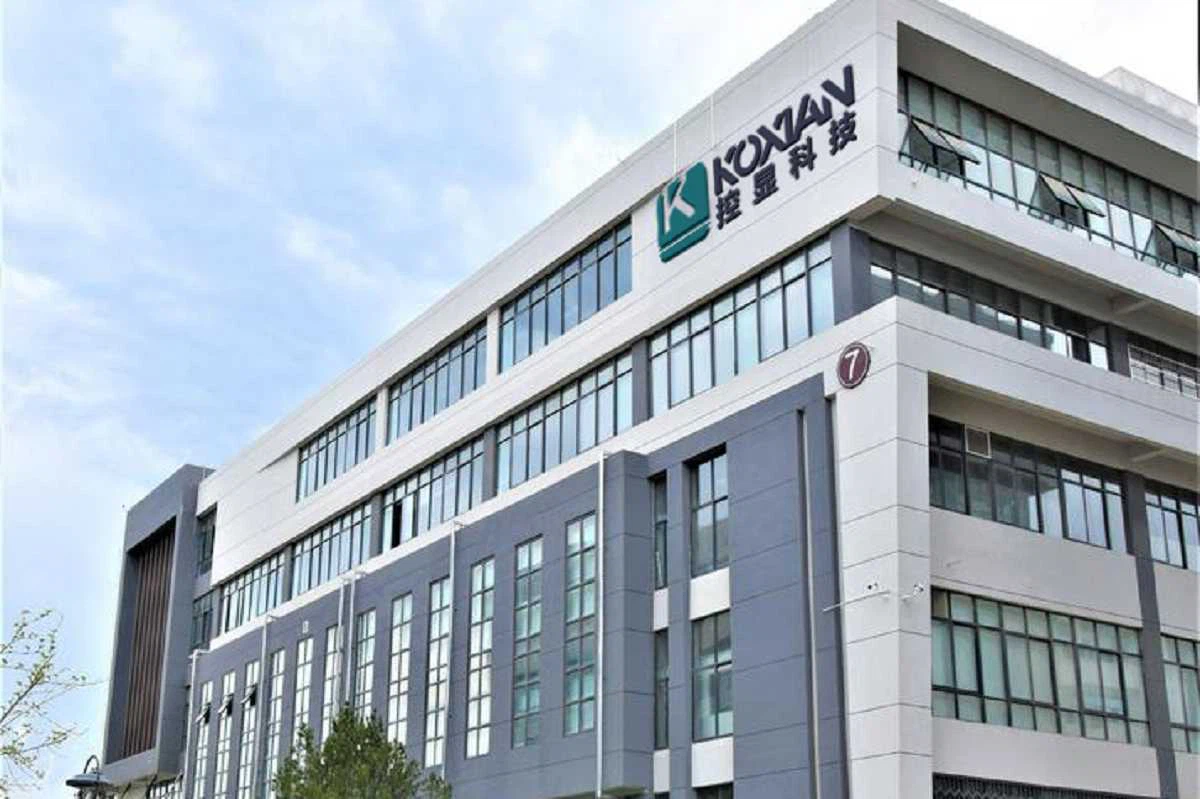
Focusing on industrial touch products and integrating R&D, manufacturing and sales.In the future development, Kongxian technology will continue to adhere to the professional technology research and development ability and solution ability,to provide customers in various fields with better quality industrial control products, to help the development and take-off of customers.

FAQ
Hot Tags: industrial touch screen monitor, China industrial touch screen monitor manufacturers, suppliers, factory, industrial accelerometer sensor monitor, industrial medical device monitor, industrial mixer monitor, industrial measurement monitor, industrial refrigerator monitor, industrial touch monitor


